
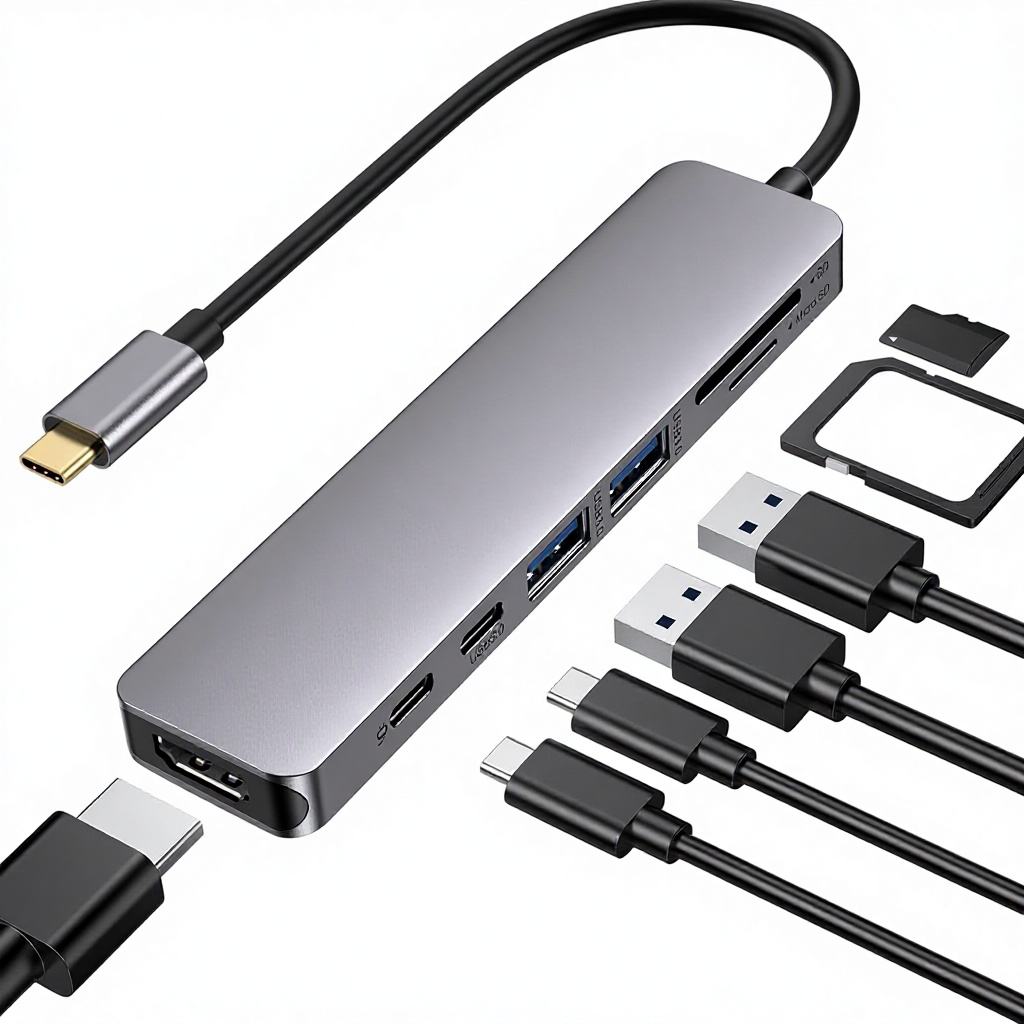
USB-C Hub
USB-C hub product page with quick comparison, shortlist picks, and practical buying notes for remote developer desk setups.
Quick answer: If you want a cheap starter USB-C hub, start with a budget model like UGREEN. If you want a better long-term desk setup, a more complete Anker-style hub with Ethernet and stronger port mix is usually the safer buy.
Quick comparison
| Pick | Best for | Main strength | Main tradeoff |
|---|---|---|---|
| Budget pick | Simple desk expansion | Lower cost | Usually fewer premium features |
| Value pick | Daily desk use | Better port mix and stability | Higher price |
Budget pick
UGREEN Revodok 105 (5-in-1) is the better low-cost starting point if your goal is simple expansion for keyboard, mouse, charging, and one external display.
- Good value for a basic setup
- Compact and easy to keep on a small desk
- Better for office work than complex monitor workflows
Value pick
Anker PowerExpand 6-in-1 is the more serious desk choice when you want better long-term reliability and a cleaner all-in-one setup.
- More useful port mix for real workstation use
- Ethernet makes it better for stable desk networking
- Easier to justify if this is a daily-use tool
What matters before you buy
| Check | Why it matters |
|---|---|
| HDMI refresh support | 4K30 and 4K60 feel different on modern screens |
| Charging support | You want the laptop to stay powered while the hub is in use |
| Ethernet | Still valuable for stable desk networking |
| Port mix | More useful than raw port count |