
Laptop Stand vs Flat Desk: Posture and Productivity
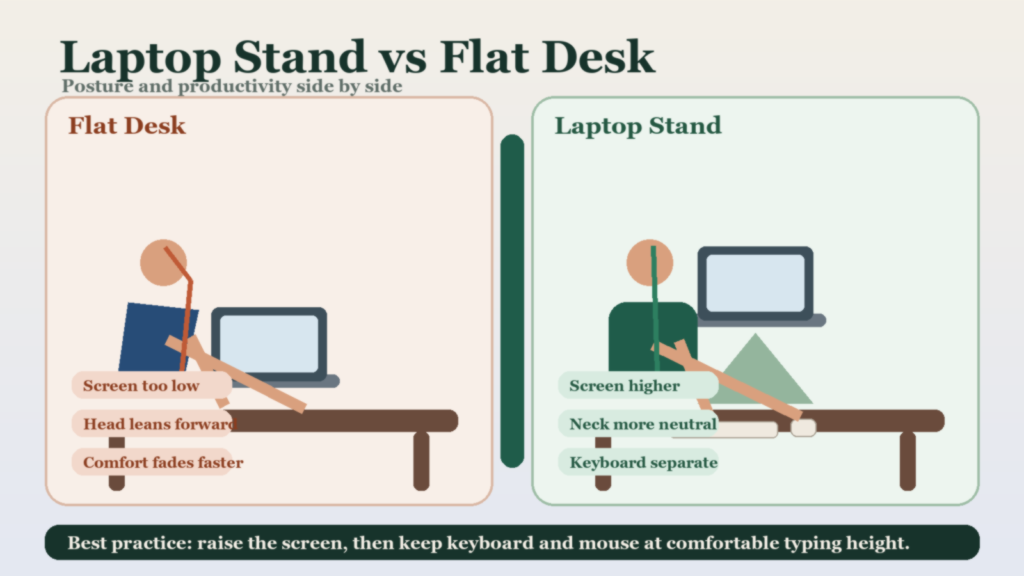
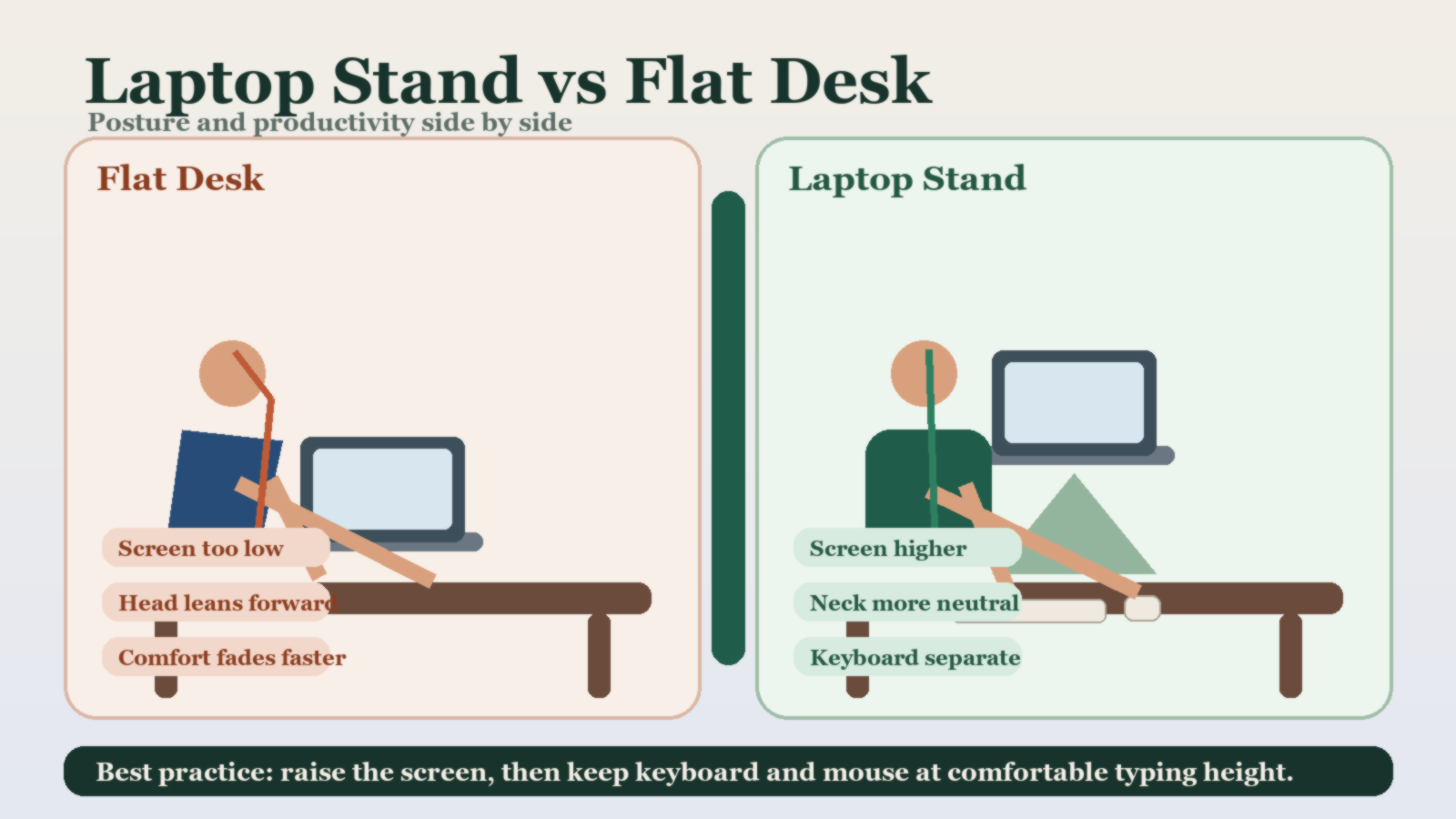
Quick answer: A laptop stand is usually better than working with a laptop flat on a desk because it raises the screen and reduces neck strain. The real best practice, though, is a stand plus an external keyboard and mouse. If you raise the screen but keep typing on the laptop keyboard, you often create a new wrist and shoulder problem.
Fast comparison
| Setup | Main benefit | Main problem | Best for |
|---|---|---|---|
| Laptop flat on desk | Simple and low-cost | Screen is usually too low for long sessions | Very short sessions or temporary setups |
| Laptop on stand only | Better screen height | Keyboard becomes too high for comfortable typing | Short reading or occasional non-typing work |
| Stand plus external keyboard and mouse | Best balance of screen height and typing posture | Needs extra desk space and accessories | Daily coding and long remote-work sessions |
Why flat-desk laptop use becomes uncomfortable
- If the keyboard height feels acceptable, the screen is usually too low.
- If you raise the laptop enough to improve screen height, the keyboard becomes awkward to use.
- This forces a compromise that is tolerable briefly but poor for all-day work.
What a laptop stand actually improves
A good stand helps by bringing the screen closer to eye level. That reduces the constant downward gaze that leads many people into forward-head posture and rounded shoulders during long work blocks.
What a stand does not fix by itself
| Problem | Does the stand fix it? | What you need instead |
|---|---|---|
| Low screen position | Yes, usually | A stand with enough height range |
| Awkward typing height | No | External keyboard |
| Mouse reach and wrist comfort | No | External mouse and sensible desk spacing |
Best practice setup
- Raise the laptop so the top part of the screen sits closer to eye height.
- Use an external keyboard so your shoulders and wrists stay relaxed.
- Keep the mouse close enough that your elbow does not flare outward.
- Use the stand angle and height that you can keep using consistently, not the one that only looks ergonomic.
Who should change their setup first
| If you notice… | Most likely fix |
|---|---|
| Neck strain after long coding sessions | Raise the screen with a proper stand |
| Raised shoulders or bent wrists while typing | Add an external keyboard and mouse |
| Frequent setup changes between locations | Choose a portable foldable stand |
Related reading
Bottom line
If you work on a laptop all day, a stand is usually better than leaving the laptop flat on the desk. But the full ergonomic win comes when you separate screen height from typing position with an external keyboard and mouse.